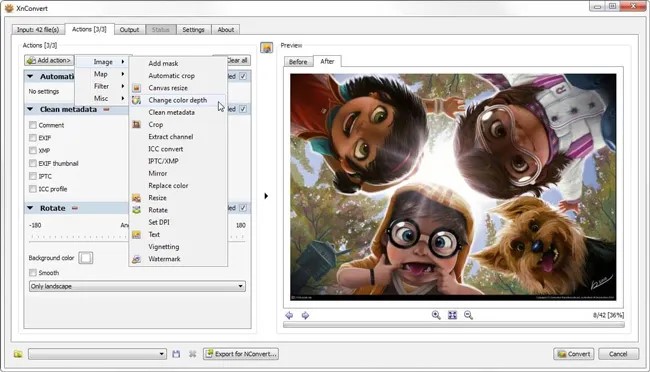

XnConvert – It is a software developed by XnView whose main function is to convert images and media that can be used to change image file formats, change image sizes, crop images, adjust image quality, provide filters, change image color modes, and much more.
XnConvert’s main feature is its ability to process various image formats such as JPEG, PNG, GIF, TIFF, RAW, and more. It also supports batch processing, allowing you to process multiple image files simultaneously. XnConvert also provides various tools for improving image quality, such as noise removal and color correction. You can also add watermarks and text to images. You can also resize images by changing the length or width or scaling them. This is very useful if you want to adjust the image size to suit display or printing requirements. The application also has a command-line interface for those who want to perform automatic image processing. The software also supports multiple languages, including English, French, German, and others.
This application also has a simple and user-friendly interface, making it suitable for both beginners and professionals such as photographers, graphic designers, and those who need to process large numbers of images in various formats. If you’re curious and want to try this software, you can download XnConvert.