
Most graphic designers lean toward Adobe Creative Suite for image editing and design, but this isn’t the only option they have; there are many other applications that can easily perform the same task.
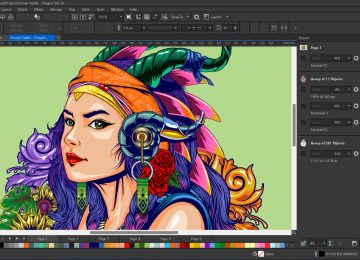
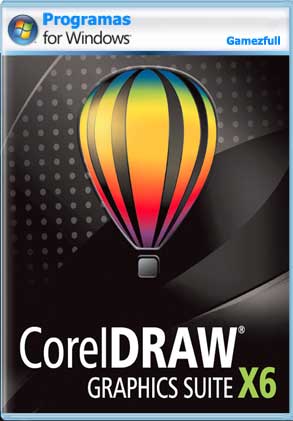
One such application is CorelDRAW, which has served graphic designers for quite some time and has come out in many versions. The version we’re reviewing today is CorelDRAW X6, which is used for image editing and design.
CorelDRAW Graphics Suite X6 consists of seven parts and two main applications are CorelDRAW, which is a vector illustration program and Photo-Paint, which is an image editing program.
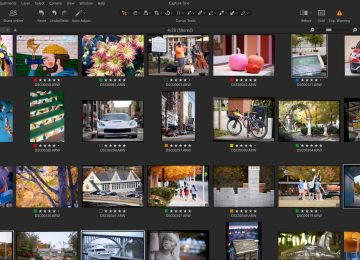
In addition to these two main applications, it also includes PowerTrace, a bitmap converter; Capture, a screen capture utility; Connect, an impressive browser; Website Creator, a very effective site design tool; and Photo Zoom pro 2, an export plugin.
Here are some notable features you’ll experience using CorelDRAW Graphics Suite X6.
– The new CorelDraw X6 works faster and more efficiently.
– New optimized image formatting options in the latest version of CorelDraw
– Easily remove unwanted areas in photos.
– Fast, threaded image processing with multi-core support
– Give your images, documents, and templates a stunning look.
– Improved functionality of the main image layer.