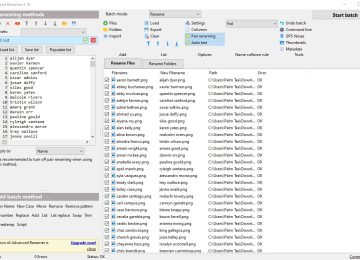
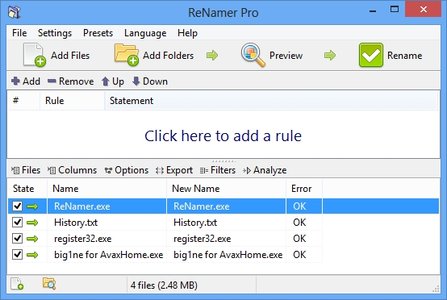

ReNamer Pro is a powerful tool designed to help you batch-rename files and folders according to specific rules that you can set.
Free
The program features a user-friendly interface where you can easily import files and folders using the file browser or the “drag and drop” method.
Insert meta tags or text as a prefix or suffix, before or after the filename, or at a specific position. Delete text from a particular position or delimiter, remove or replace it (e.g., first, last, or all occurrences).
Ready to streamline your file management? Download ReNamer Pro today!
In addition, you can rearrange text by setting a new pattern (e.g. split using delimiters, positions, or the exact pattern of delimiters), and set a new extension for files (optionally enable to append to the original file name and to detect by using “binary signature”).
Furthermore, you can strip the text of English characters, digits, symbols, brackets or user defined characters, change the case (e.g. capitalize every word, all lower or upper case, invert case, first letter capital), text (e.g. incremental, random) or clean it up (e.g. strip out the content of brackets, replace characters with spaces).
Moreover, you can work with Translit, RegEx, PascalScript, or UserInput, if you are an experienced user. Plus, you can configure filter settings (e.g. add files within folders, add folders as files, include hidden or system items), save presets, create links, disable meta tag support, add ReNamer to the Explorer context menu, and set it to always be on top of other applications, and more.
The software consumes a very low amount of system CPU and memory, and includes a complete help file, along with a quick guide. No errors have popped up during our tests, and ReNamer didn’t freeze or crash either.
The bottom line is that ReNamer is an excellent tool for batch-renaming files and folders, and we highly recommend it to all users.